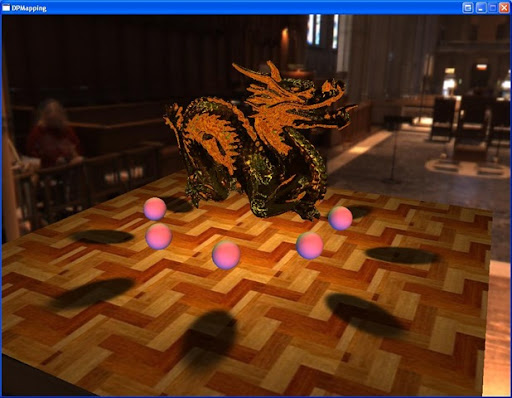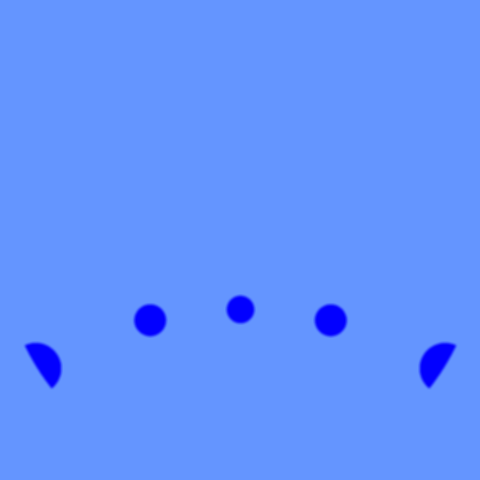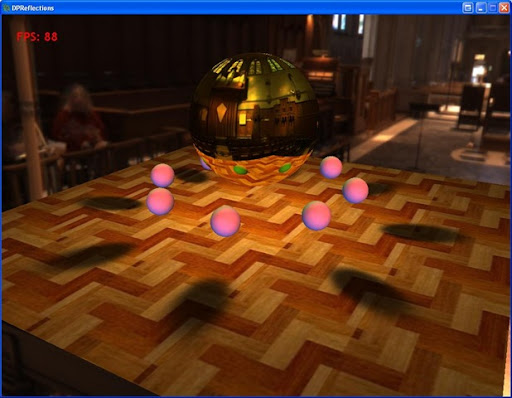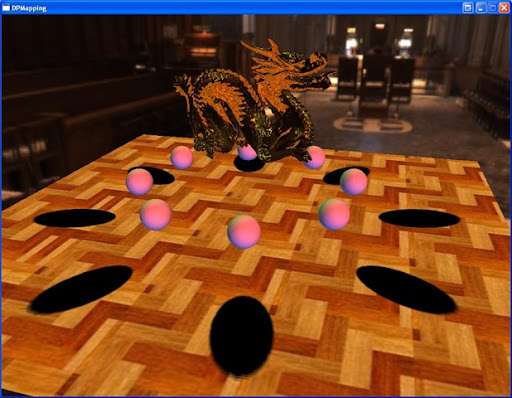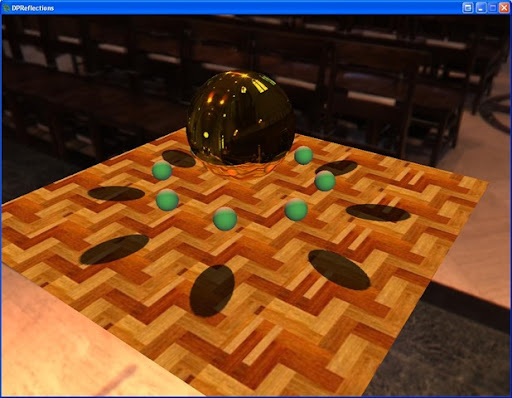
I recently had to investigate dual-paraboloid reflections at work for an unnamed console. What are these you ask? Great question! :) Lets start with some background.
The standard way of calculating reflections is to use an environment map, more specifically a cube map. In my last tutorial on reflections, this basic type of reflection mapping was used to compare against billboard impostor reflections. Now, cubemaps are great for static scenes, and are relatively low cost to perform a texture fetch on in a shader. However if you have a dynamic scene you have to update all 6 sides of the cubemap (this is not technically true, aggressive culling and other optimizations can guarantee at most 5 sides). Holy crap, now we have to render our scene 6 times!
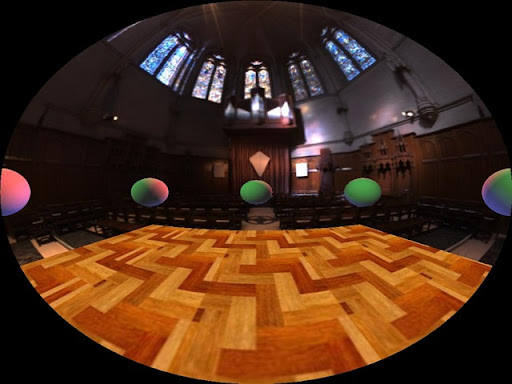
This is where dual-paraboloid reflections come in. They are a view-independent method of rendering reflections just like cubemaps. Except you only have to update 2 textures, not 6! The downside is that you are going to lose quality for speed, but unless you have to have high-quality reflections, paraboloid reflections will probably provide sufficient results.
Reference articles:
View-Independent Environment Maps
Shadow Mapping for Hemispherical and Omnidirectional Light Sources
Dual Paraboloid Mapping in the Vertex Shader
In the interest of keeping this post from getting too long, I won't go into great detail on the mathematical process. I suggest you refer to the first and third papers for an in-depth discussion on the details.
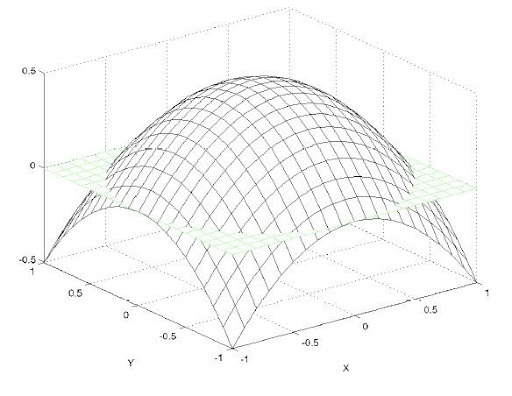
Now lets move on to what exactly paraboloid mapping is. Lets look at what a paraboloid is.
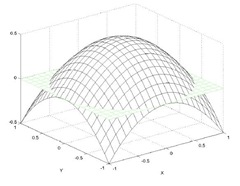
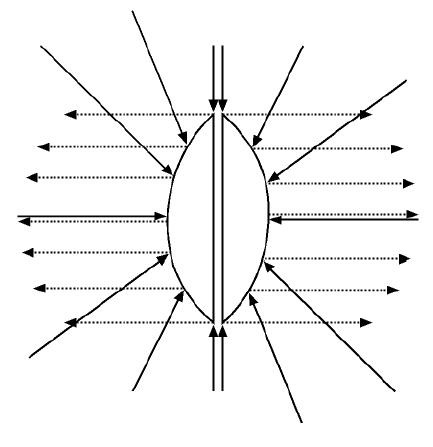
The basic idea is that for any origin O, we can divide the scene into two hemispheres, front and rear. For each of these hemispheres there exists a paraboloid surface that will focus any ray traveling in the direction of O into the direction of the the hemisphere. Here is a 2d picture demonstrating the idea:

A brief math overview:
What we need to find is the intersection point where the incident ray intersects the paraboloid surface. To do this we need to know the incident ray and the reflected ray. Now because the paraboloid reflects rays in the same direction, it is easy to compute the reflection vector: it's the forward direction of the hemisphere! So the front hemisphere's reflection vector will always be <0, 0, 1> and the rear hemisphere's reflection vector will always be <0, 0, -1>. Easy! And the incident ray is calculated the same as with environment mapping by reflecting the ray from the pixel position to the eye across the normal of the 3D pixel.
Now all we have to do is find the normal of the intersection which we will use to map our vertices into paraboloid space. To find the normal, we add the incident and reflected vectors and divide the x and y components by the z value.
Generating the Paraboloid maps:
What we are basically going to do is, in the vertex shader, place each vertex ourselves that has been distorted by the paraboloid. First we need to transform the vertex by the view matrix of the paraboloid 'camera'. We don't apply the projection matrix since we're going to place the point ourselves
output.Position = mul(input.Position, WorldViewProj); Next we need to find the vector from the the vertex to the origin of the paraboloid, which is simply:
float L = length( output.Position.xyz );
output.Position = output.Position / L; Now we need to find the x and y coordinates of the point where the incident ray intersects the paraboloid surface.
output.Position.z = output.Position.z + 1;
output.Position.x = output.Position.x / output.Position.z;
output.Position.y = output.Position.y / output.Position.z; Finally we set the z value as the distance from the vertex to the origin of the paraboloid, scaled and biased by the near and far planes of the paraboloid 'camera'.
output.Position.z = (L - NearPlane) / (FarPlane - NearPlane);
output.Position.w = 1;
And the only thing we need to add in the pixel shader is to make sure and clip vertices that are behind the viewpoint using the intrinsic clip() function of HLSL.
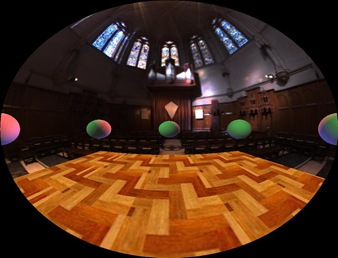
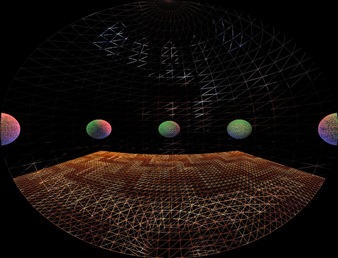
Reflections with paraboloid maps:
In the reflection pixel shader we will: generate the reflection vector the same way as cube mapping, generate texture coordinates for both the front and rear paraboloids' textures, and blend the samples taken from the textures.
The texture coordinates are generated exactly as how we generated them before in the generation step. We also scale and bias them to correctly index a D3D texture. And then we take a sample from each map and pick the sample with the greater color value:
// calculate the front paraboloid map texture coordinates
float2 front;
front.x = R.x / (R.z + 1);
front.y = R.y / (R.z + 1);
front.x = .5f * front.x + .5f; //bias and scale to correctly sample a d3d texture
front.y = -.5f * front.y + .5f;

// calculate the back paraboloid map texture coordinates
float2 back;
back.x = R.x / (1 - R.z);
back.y = R.y / (1 - R.z);
back.x = .5f * back.x + .5f; //bias and scale to correctly sample a d3d texture
back.y = -.5f * back.y + .5f;

float4 forward = tex2D( FrontTex, front );    // sample the front paraboloid map
float4 backward = tex2D( BackTex, back );    // sample the back paraboloid map

float4 finalColor = max(forward, backward);
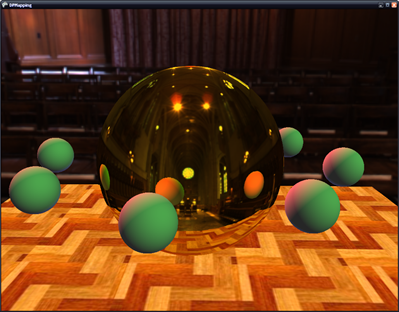
Optimizations:
If you align the paraboloid 'camera' such that it is always facing down the +/- z axis, you don't need to transform the vertices by the view matrix of the camera. You only need to do a simple translation of the vertex by the camera position.
Conclusion:
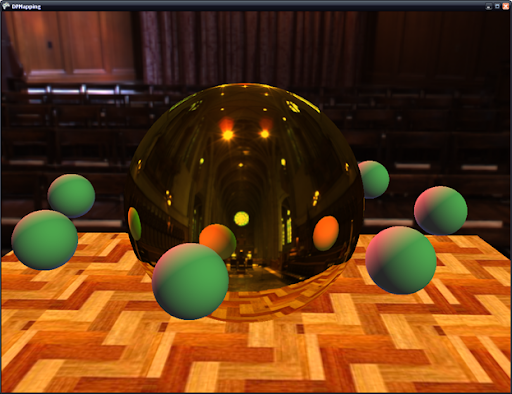
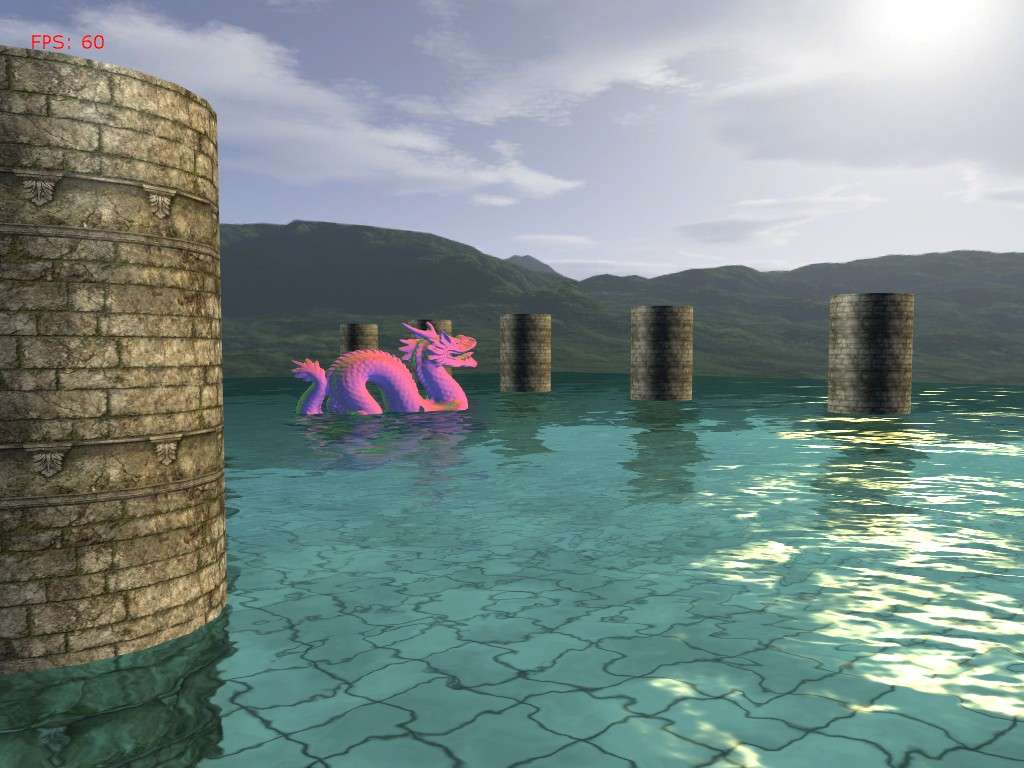
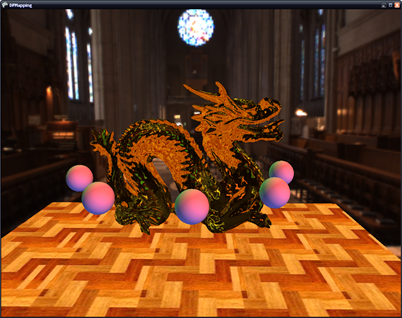
As you can see, paraboloid maps give pretty good results. The won't give you the quality of cubemaps, but they are faster to update and require less memory. And in the console world, requiring less is almost reason enough to pick this method over cubemaps.
One drawback of paraboloid maps is that the environment geometry has to be sufficiently tessellated or will we will have noticeable artifacts on our reflector. Another drawback is that on spherical objects we will see seems. However with objects that are reasonably complex (such as the Stanford bunny or dragon) and are not simple shapes, the seams will not be as noticeable.
Next time I will present dual-paraboloid mapping for use with real-time omnidirectional shadow mapping of point lights.